Outlook add-ins
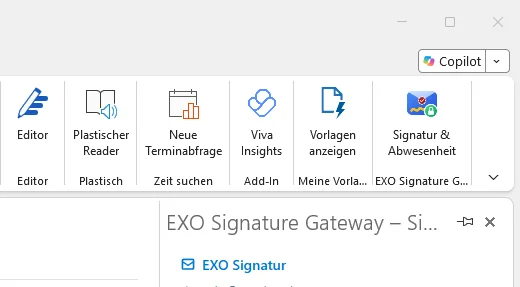
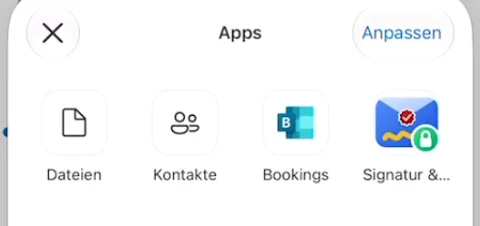
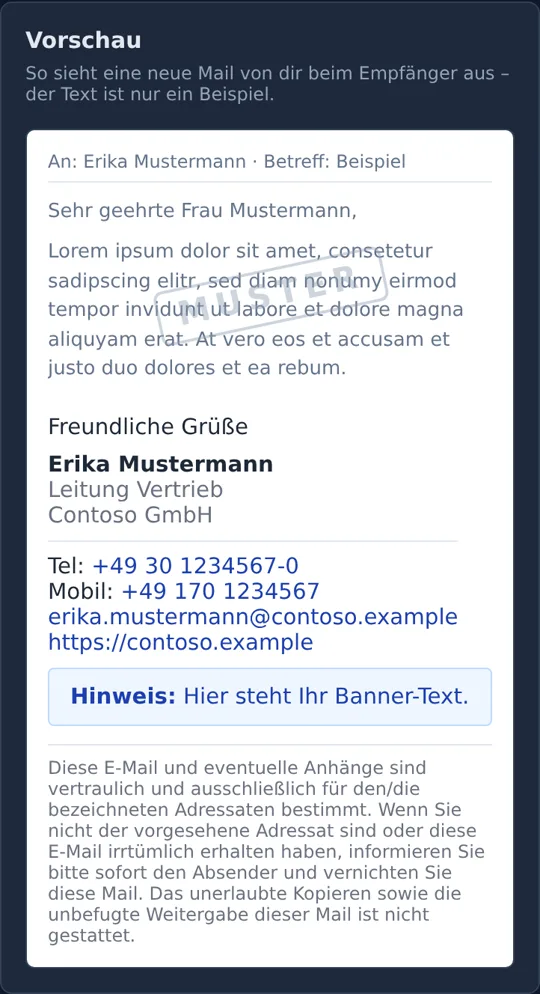
The Gateway comes to where you write: two add-ins bring signature and absence into Outlook on PC and phone as well as into Teams.
The screenshots and recordings show the German user interface.
Highlights
- Signature while you write: the add-in inserts the Gateway signature as soon as a mail begins: in Outlook on the web, on Windows (classic and new) and in Outlook for iOS and Android (from version 4.2433).
- The same rule as when sending: for replies and forwards the full signature appears on your first contribution, after that the shorter reply signature.
- Self-service for everyone: employees set their own absence and choose signature and reply signature themselves, with a sample-mail preview. Choosing templates is locked by default and can be enabled per mailbox or group.
- Three entry points, one page: in the browser, as a button when reading a mail, and as an app in the left bar of Outlook (web, Windows classic and new, iOS, Android) and Teams.
- Silent sign-in: in the app and in both task panes of the add-in, sign-in runs through the Outlook or Teams account, without a window. The self-service role can only reach its own mailbox.
- Light and dark: by your own choice, otherwise following the theme of Teams, Outlook or the system.
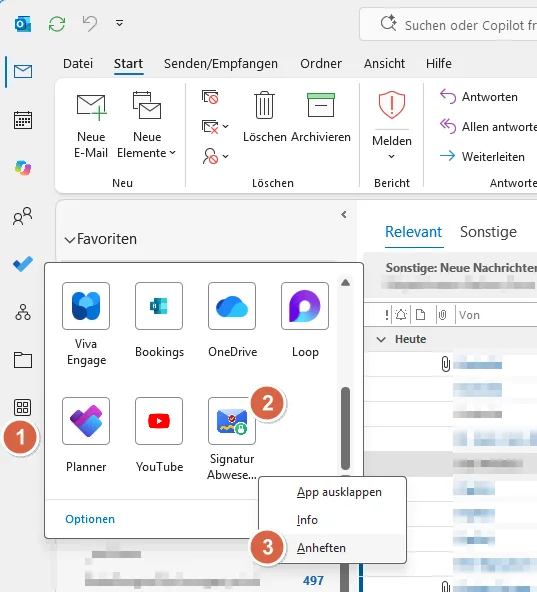
Deploying and pinning it in Teams for everyone: operations documentation (German).
Free up to 100 mailboxes. And worth every cent after that.
The Gateway is free up to 100 mailboxes, including in companies and with every feature on these pages. From the 101st mailbox the license costs €1.00 per mailbox and month plus VAT, with no minimum purchase. Nonprofit organizations use the Nonprofit Edition free of charge beyond 100 mailboxes, too.
The Gateway runs on your own hardware, for smaller environments even on a Raspberry Pi, or in Azure, also directly via the Azure Marketplace. Benchmark from the operations documentation: about €31 per month for the recommended Azure VM including disk and IP (Azure retail prices, region northeurope; about €22–24 with a one-year reservation). For very low volume a smaller VM from about $16 per month is enough, plus disk and IP (about $22 together). Prices change, so please recalculate in Azure before you start.
Install now More about licensing